
General ledger Utility functions
|
G/L Beginning Balance Maintenance |
Last Revised: 03/21/14 |
G/L Beginning Balance Maintenance is used to enter the beginning G/L account balances for the first fiscal.
If all your G/L transactions have been posted to another General Ledger package such as MAS90, you may want to delete these earlier fiscal years using G/L Period Ending Date Maintenance first. Do not delete the prior year if you will require Financial Statements that compare to the prior year. Beginning Balances are always entered for the oldest fiscal year.
Account Balances are only entered for non-income and expense accounts. Be sure your G/L Account Groups have been set up correctly using G/L Account Group Maintenance as that is how Dynamo knows the type of each account.
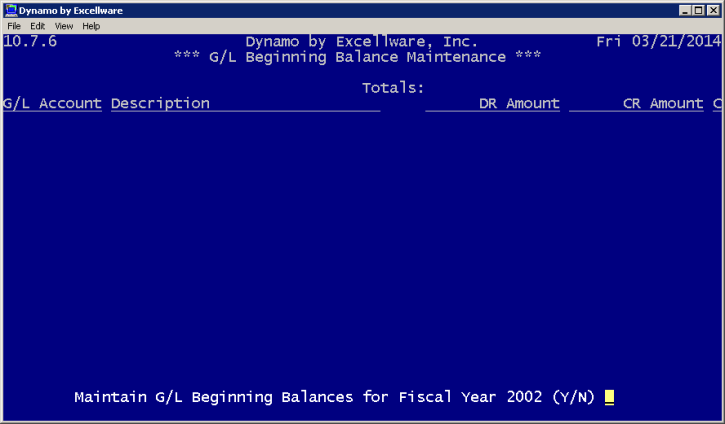
| G/L Beginning Balance Maintenance View | |
|---|---|
| G/L Account | Select the G/L account to be maintained. |
| Description | The description of the G/L account specified will display here. |
| DR Amount | Indicate the debit record amount. |
| CR Amount | Indicate the credit record amount. |
| C | If a mistake has been made, type C to change any fields in this line. Type D to delete the line. |